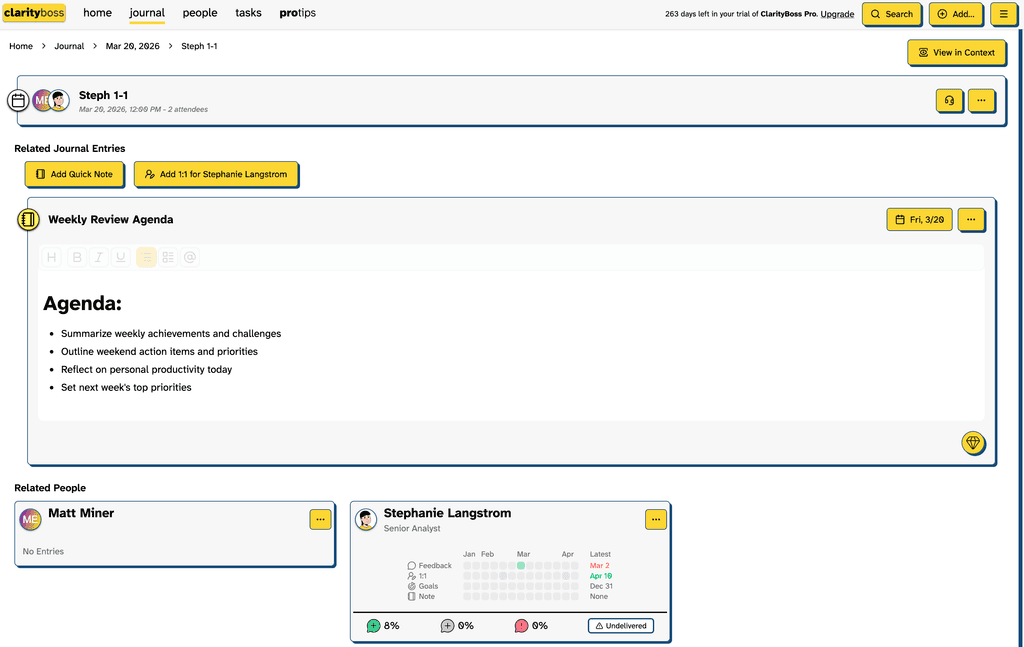
ClarityBoss easily integrates with your Google Calendar helping to keep you on top of agendas, notes and attendees.
The Google Calendar integration will automatically create event notes and extract
People
ClarityBoss will evaluate the attendees for the People you have saved, and easily lets you create any folks that you haven’t added to your team yet.
Joining Meetings
You can even join meetings straight out of ClarityBoss, with an innovative HUD (heads-up display) of all the meeting attendees and relevant notes.
Go to Your Account Page
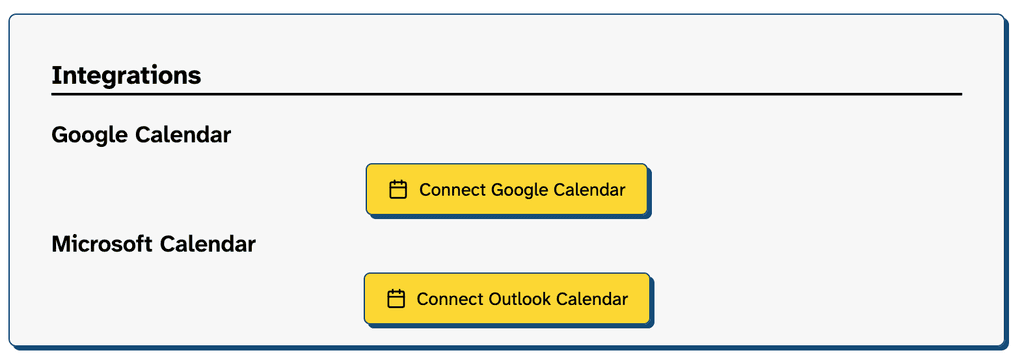
Navigate to your Account. Click the “Connect Google Calendar” button.
Authenticate
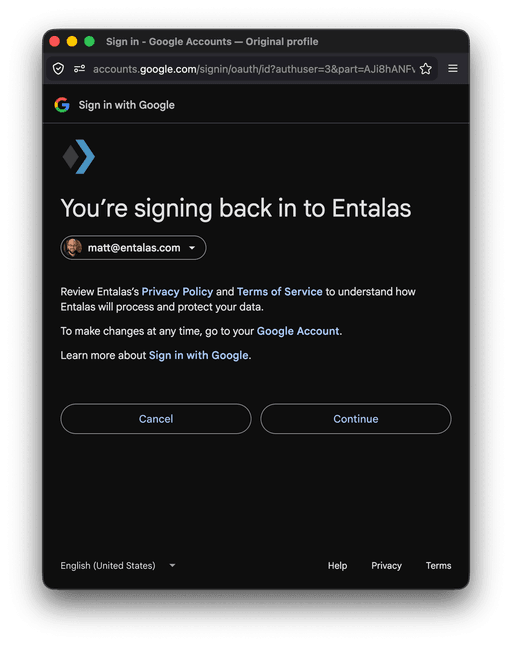
You’ll see a series of authentication prompts. Click continue on each.
Initiate First Sync
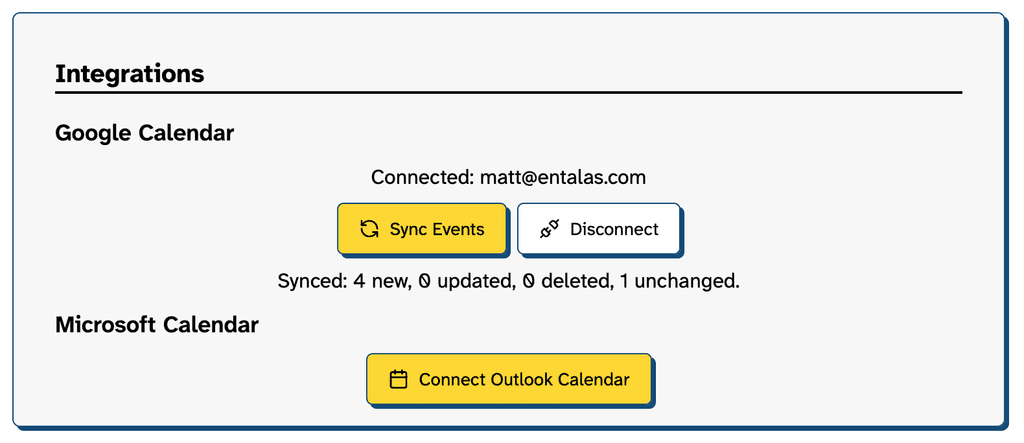
Click the “Sync Events” button. After this, your events will be automatically sync’ed as calendar entries are added, removed or updated.
View Events
Now that your events are created, you’ll be able to view them and all the relevant folks in attendance. Notes can be easily linked, maintaining the context of what the note was for.