The “Clarity” button is available for all entry types. The Clarify button is a tool to help you make sure that your feedback and notes are as clear as possible.
As a leader, your top priority is to provide your team with the right guidance at the right time. If your message isn’t clear, you’re going to have a hard time getting your guidance to land.
Your journal works for you to ensure that you have high-quality information for future reporting.
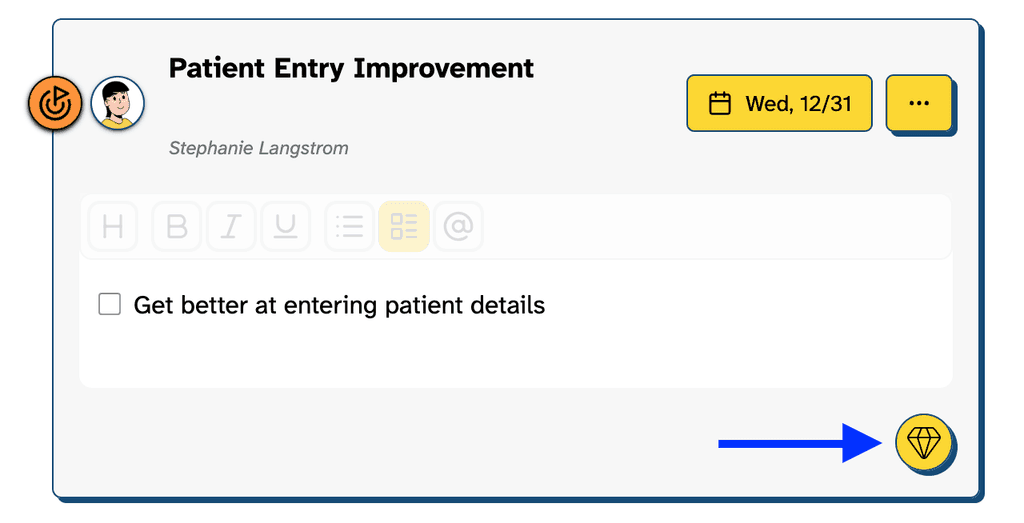
Look for the “gem” icon.
It’s included in all entry types.
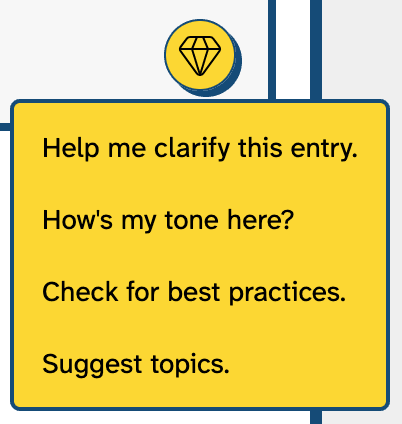
Select an Available Option
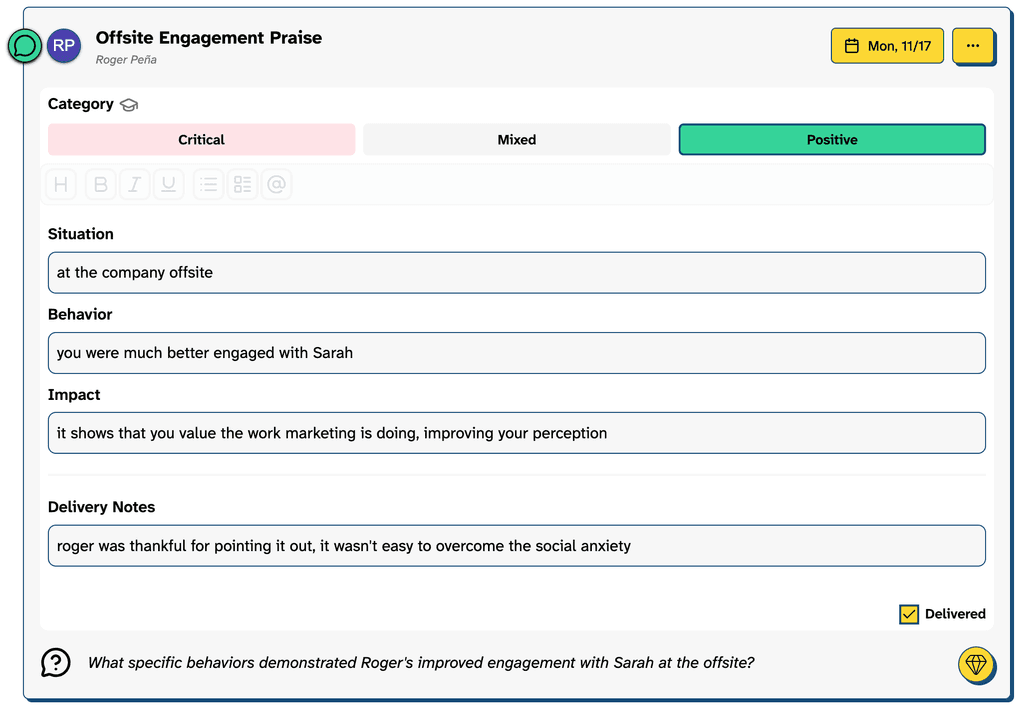
Clarify Asks Guiding Questions