Sometimes we use our calendar to block off times, but those events may not relevant to your manager life.
If you would like a calendar event (out-of-office, personal appointments etc.) to remain on your calendar, but not included in your ClarityBoss journal, it’s easy to hide the events.
Hiding Events
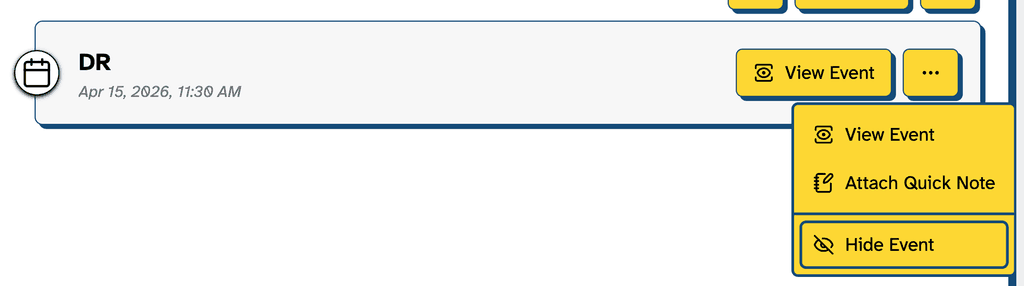
On any event entry, use the menu and select “Hide Event”.
Hiding Recurring Events
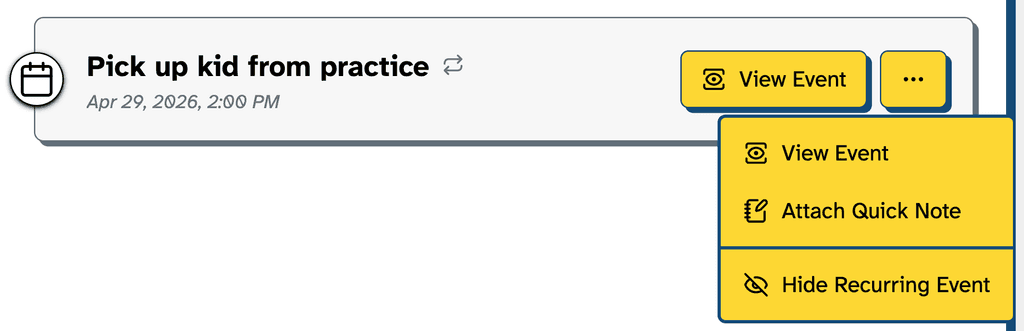
If the meeting is recurring, you can also hide those by selecting “Hide Recurring Event”
Note: You cannot unhide events. If you run into issues, please contact support.