Quickly and easily add entries to your journal.
Using the Quick-Add Menu
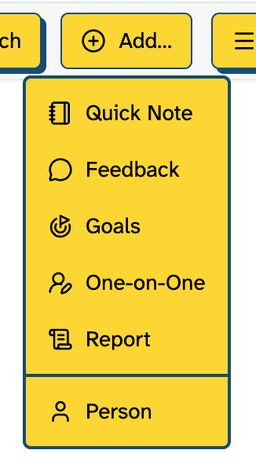
No matter where you are in the application, you can always add an entry by clicking the “Quick Add” button in the top-right corner.
Add Entries to a Person
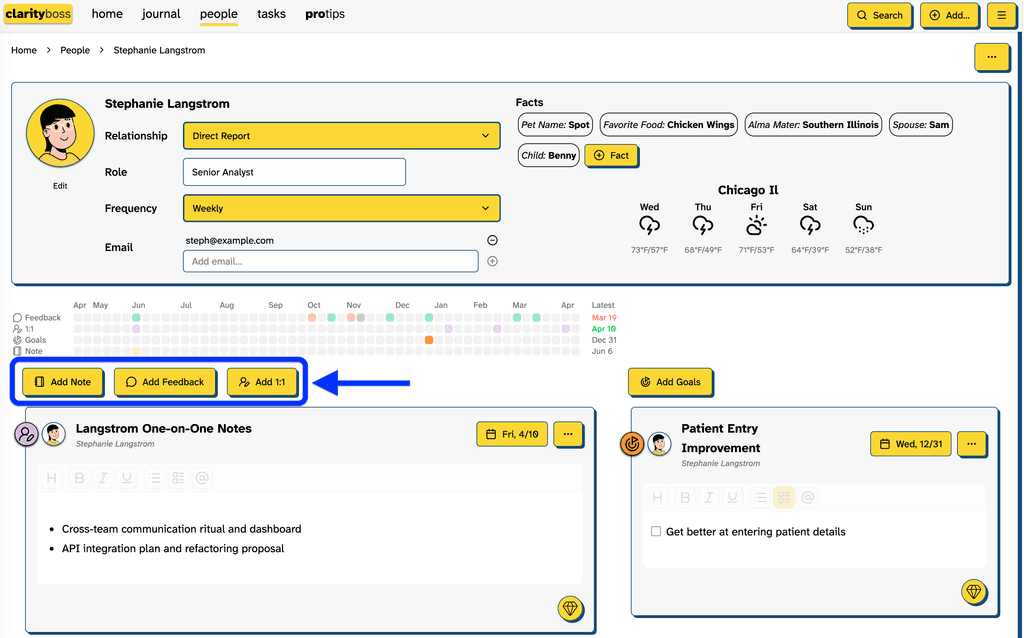
In the details screen of a person, you can quickly add journal entries relevant to that person, automatically associating the note with that person.
Tip: including someone in a note with an ‘@’ symbol will also associate the note with them in search and filtering.