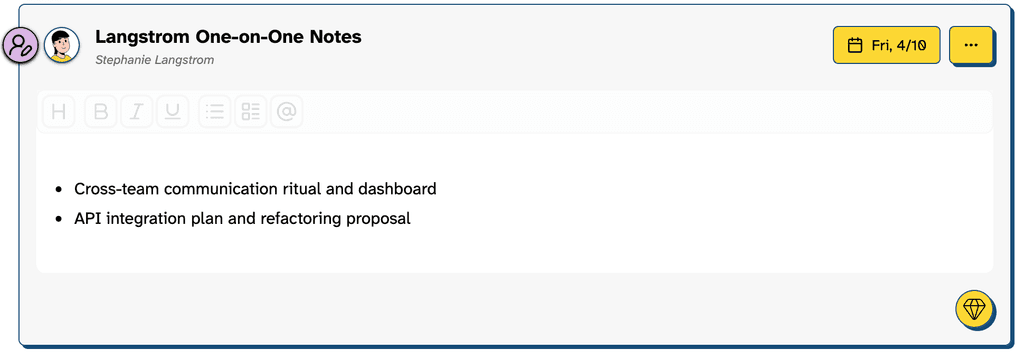
ClarityBoss’s Clarify button now includes an option to suggest topics for any of your entry types.
Meetings and 1-1s without an agenda or meaningful topics can be rough.
Click the “Clarify” button in any entry
In the “journal” or “person” view, choose an entry you’d like to add topics to.
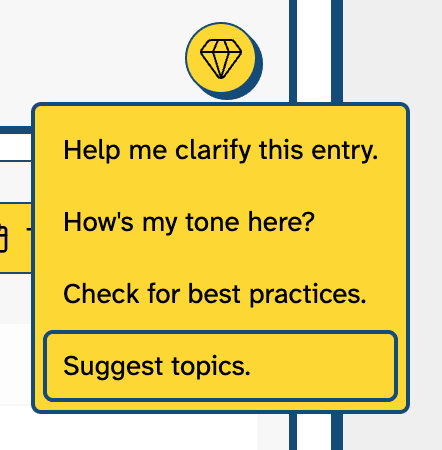
Clarify Determines Context
ClarityBoss’s Clarify feature pulls in the various “Goals” and other relevant entries to determine what topics may be relevant.

Select Relevant Topics
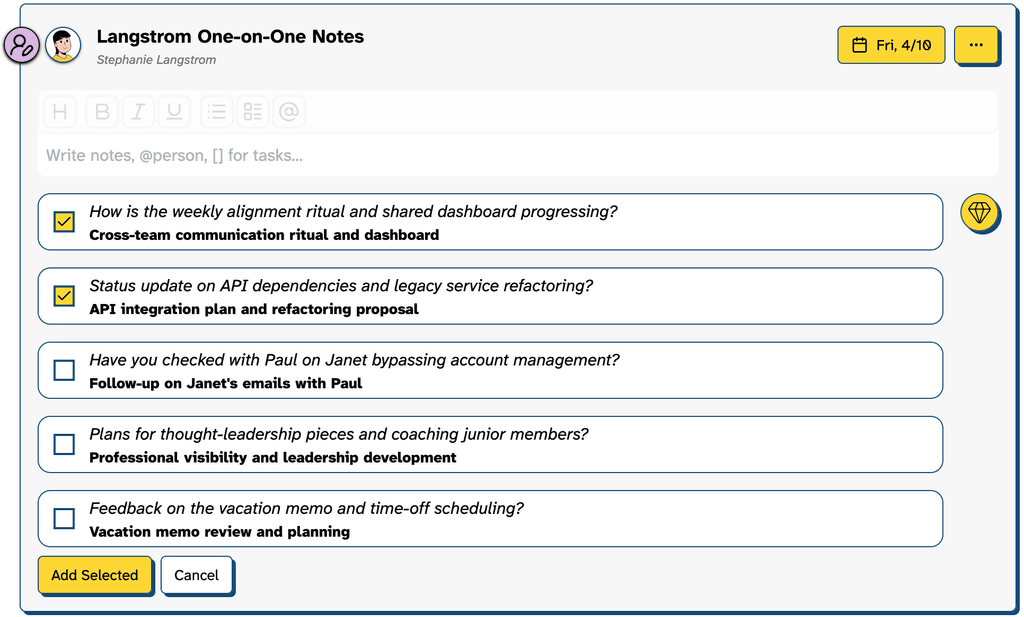
Click “Add Selected”
Once you’ve made your selections, clicking “Add Selected” will add a bulleted list to the editor.
Boom, just like that you have topics!