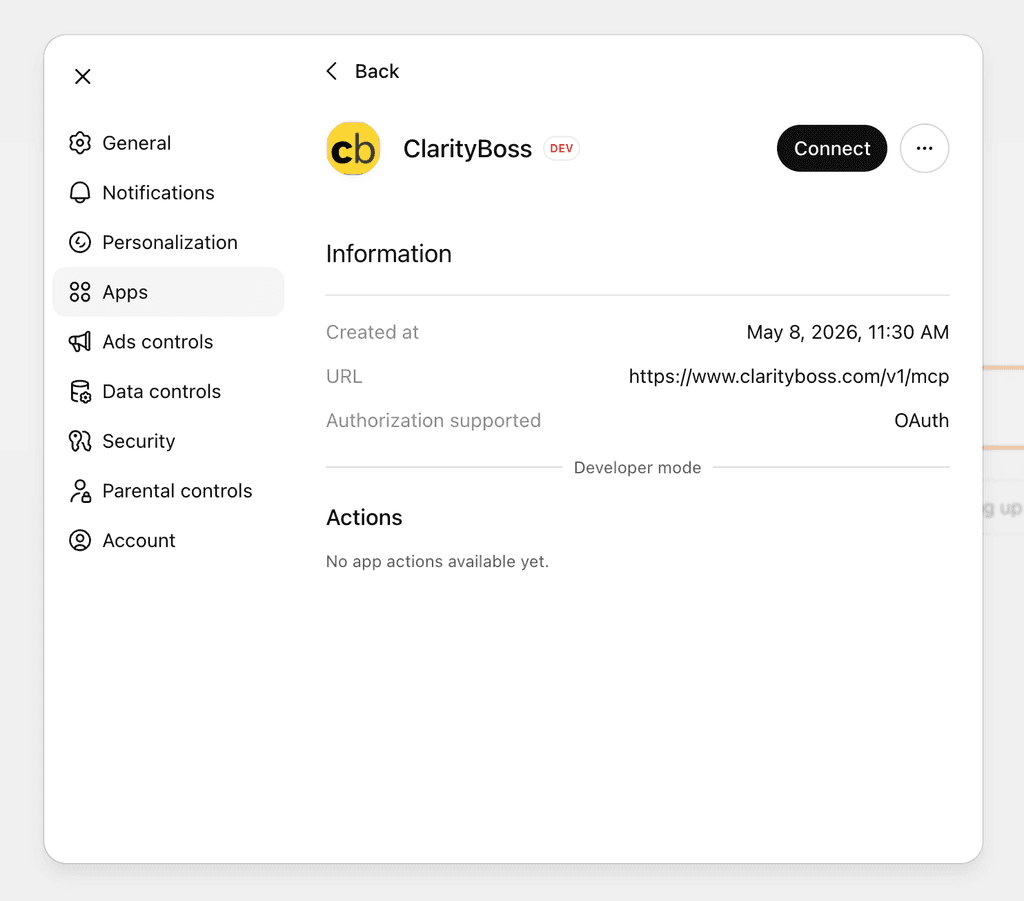
ClarityBoss integrates with ChatGPT via a Model Context Protocol integration. We are working on making the ChatGPT setup simpler, but in the meantime, follow these directions.
Using the ClarityBoss ChatGPT app allows you to access and create notes right from ChatGPT.
- Query existing notes to use for context for other activities.
- Create new feedback entries for your team members.
- Create new 1:1 or quick notes for future use.
- List your team and get answers to questions about them.
Add App to ChatGPT
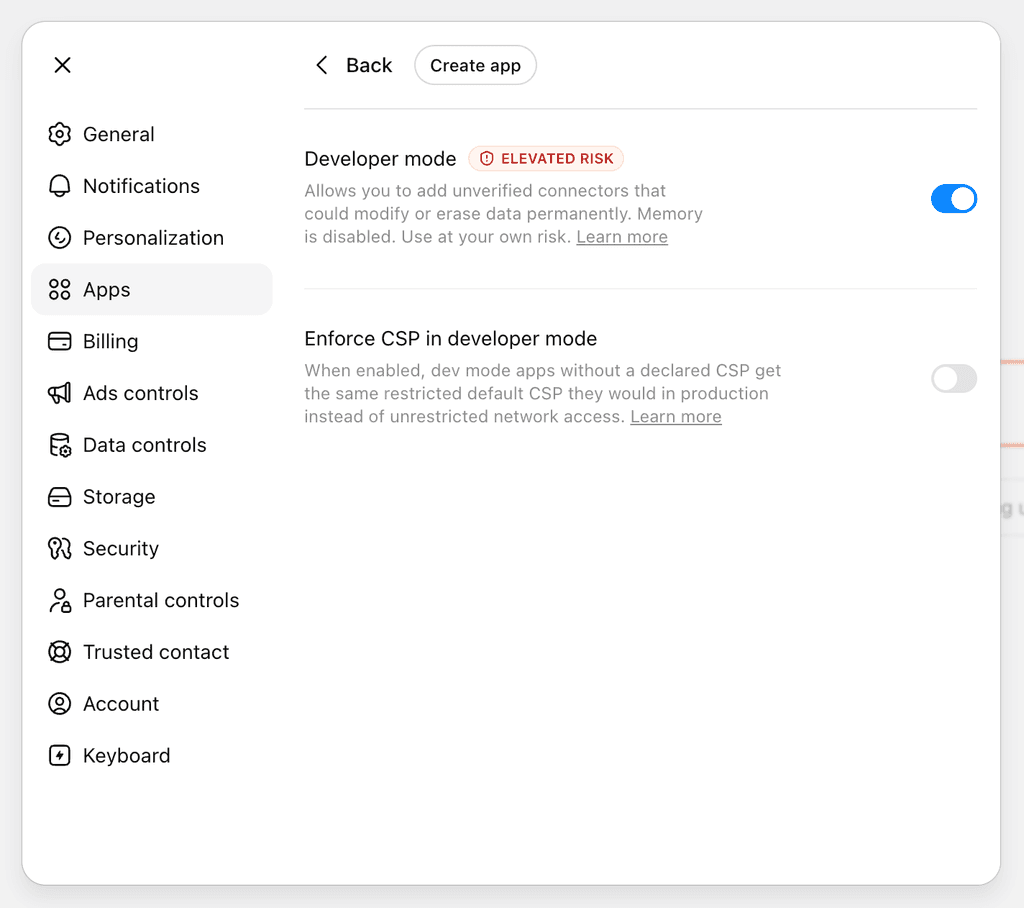
Start by navigating to Settings → Apps → Advanced settings in your Account. You will need to turn “Developer mode” on if it is not already.
Set up the App
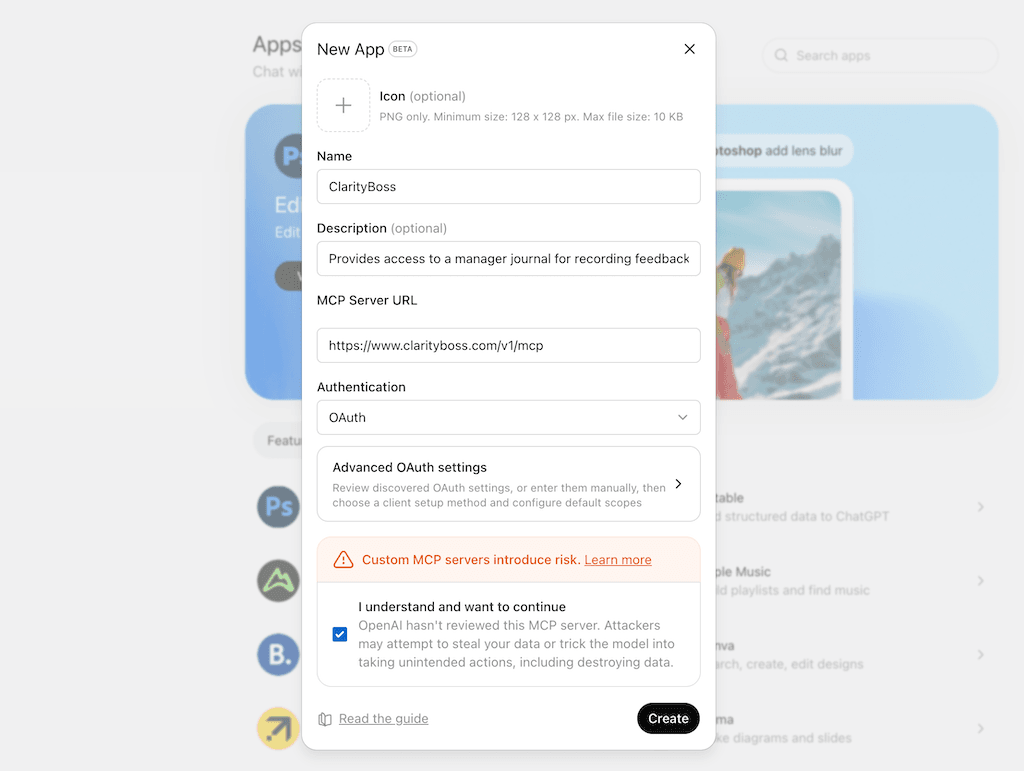
Click “Create App”, and use the following configuration values:
- Name: ClarityBoss
- Description: Provides access to a manager journal for recording feedback, 1:1s, and other notes.
- MCP Server URL:
https://www.clarityboss.com/v1/mcp - Authentication: OAuth (should be chosen automatically)
- Advanced OAuth settings: leave alone, no changes needed.
Create the App
Click the checkbox by “I understand and want to continue” if necessary, then click “Create”.
Authorize In ClarityBoss
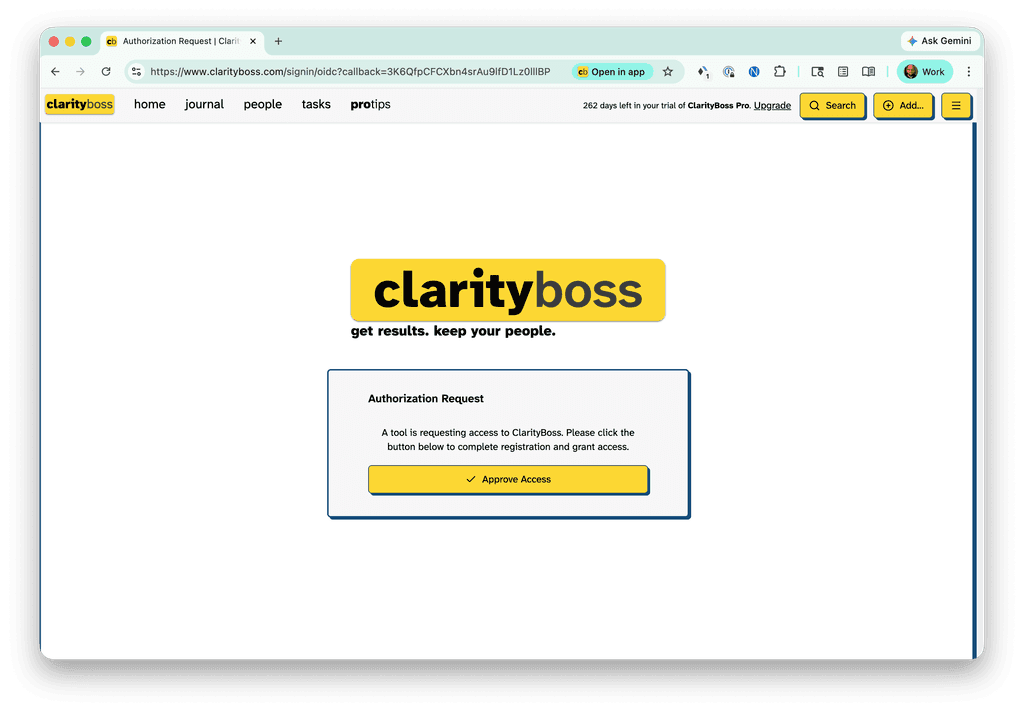
You’ll be redirected to ClarityBoss. Click “Approve Access”.
Start Using the App!
You can do all sorts of things with the ClarityBoss ChatGPT app. Use it in existing AI workflows you might already have, or come up with new ones using the data sources and other existing app connections you already have linked.